Page 2 of 3
Posted: Wed Oct 25, 2006 4:33 am
by Mad Duff
Lovely Clowns Patrick, you have some very nice fish there. The tank conataining Tiger Barbs looks very impressive

Posted: Wed Oct 25, 2006 6:19 am
by shari2
I must have missed it. the pics seem to be gone?

Posted: Wed Oct 25, 2006 11:08 am
by Mad Duff
Still there for me

Posted: Wed Oct 25, 2006 11:14 am
by shari2
this is what I get:

Posted: Wed Oct 25, 2006 11:17 am
by Graeme Robson
I edited.
Better?
Posted: Wed Oct 25, 2006 11:37 am
by mikev
Graeme Robson wrote:I edited.
Better?
No. Probably one needs to be a member of the forum to see the images?
Posted: Wed Oct 25, 2006 11:59 am
by Graeme Robson
I wonder if it's the Firefox issue.

Posted: Wed Oct 25, 2006 12:10 pm
by shari2
thanks for trying Graeme. I'm using explorer for this post and still can't see the pics. But the boxes are nicely lined up now...

Posted: Wed Oct 25, 2006 12:11 pm
by Graeme Robson
Okay time for a cuppa and some biscuits then.....

Posted: Wed Oct 25, 2006 12:15 pm
by shari2
I cut and pasted the properties url into the browser and got the first one to show up. All subsequent pics were just the box gif.
too bad...

Posted: Wed Oct 25, 2006 6:35 pm
by LES..
Time to spot the people with paranoid settings on their web browser.
It seems that the site hosting these images has a policy of only allowing people browsing their web site to see them. This is done by checking the referer field in the request sent asking for the image. When browsing from this site the field will be set to loaches.com and you will be given the default 'not allowed' image.
However the coders over at aquariumforum.de seem to have a slight bug in their logic, if the referer field is not set they will send out the images just fine. This is where the paranoia comes in, most web browsers allow you to configure if you send this referer field or not, if you are concerned about web sites tracking where you have come from it is a good idea to disable this.
Here is a quick howto for Firefox:
Open a new tab/window and enter the URL "about:config" (no quotes)
In the box labelled "Filter" type "referer"
You should now have one item in the window below called network.http.sendRefererHeader. Double click on this and set the value to one (1) or zero (0).
Come back to this thread and reload.
Once the images are in your cache you can change this value back to the default 2.
More information
is available.
Lovely looking set-up and fish you have there Petz :-)
Posted: Wed Oct 25, 2006 7:03 pm
by The Kapenta Kid
I can't see your pics. Just a block of text saying in German that this pic is hosted by Aquarium Forum De.
The simplest way to post pics here is to open an account (free) with Photobucket. Then you upload your pics to Photobucket and link them from there to here.
Just Google photobucket and all will be clear
Posted: Wed Oct 25, 2006 7:07 pm
by TammyLiz
LES...I feel like you're a magician. I followed your steps and it worked but I don't entirely understand why. My husband loosely described the process to me but I'm dumb or something. Basically all I get is that its not telling the other site where I'm coming from (LOL), so the site is not restricting my view of the picture.
What is the difference between 0 and 1? And should I leave it at one of those or at 2?
Posted: Thu Oct 26, 2006 1:36 am
by Graeme Robson
Nice one Les!!

Photos
Posted: Thu Oct 26, 2006 3:03 am
by Petz
Oops. First i want to apologize for this photomess but it was the first time i have done that kind of thin on a pc . Well i quickly crated an account at photobucket and i hope that i will work now for everybody.
Hope dies at last, or how do jou tell it ? I am very impressed of the informatic knowledge from some people in this forum
All right lets try again


[/img]
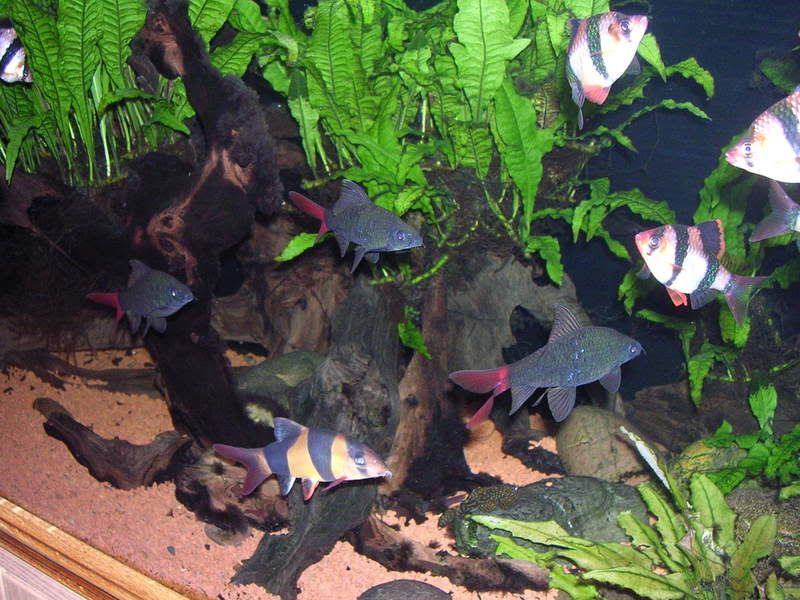

[/img]
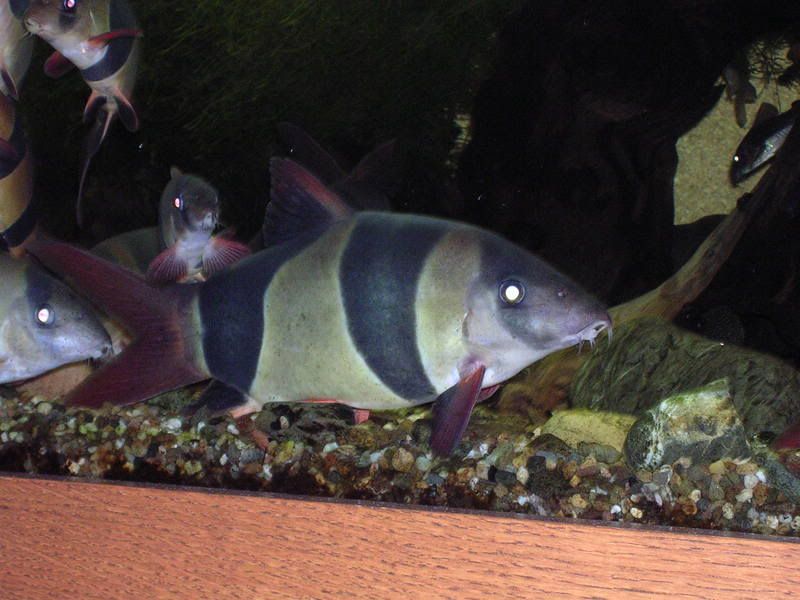

[/img]
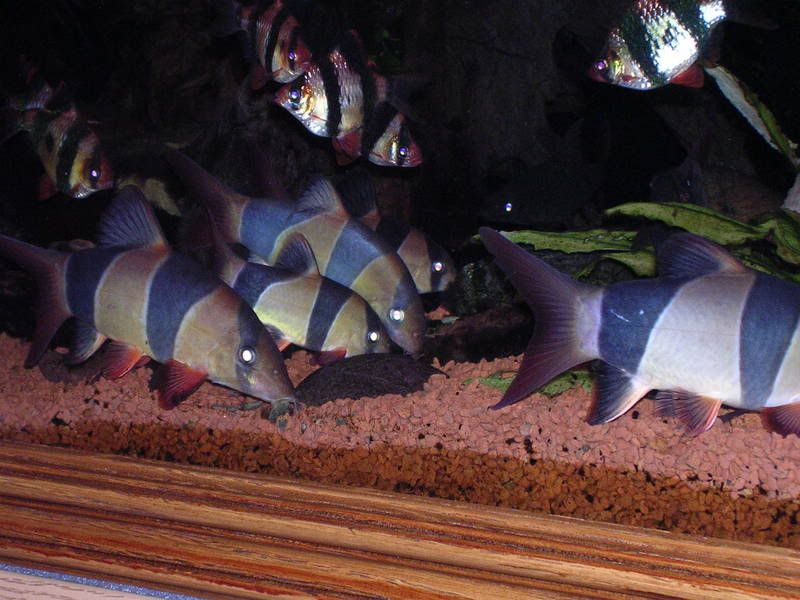
Have a nice day
Petz